Getting started
Create an organisation, set up a workspace and add your first release.

Start with the part of Trelyqo you are working in. Detailed documentation will expand as the product moves toward wider launch.
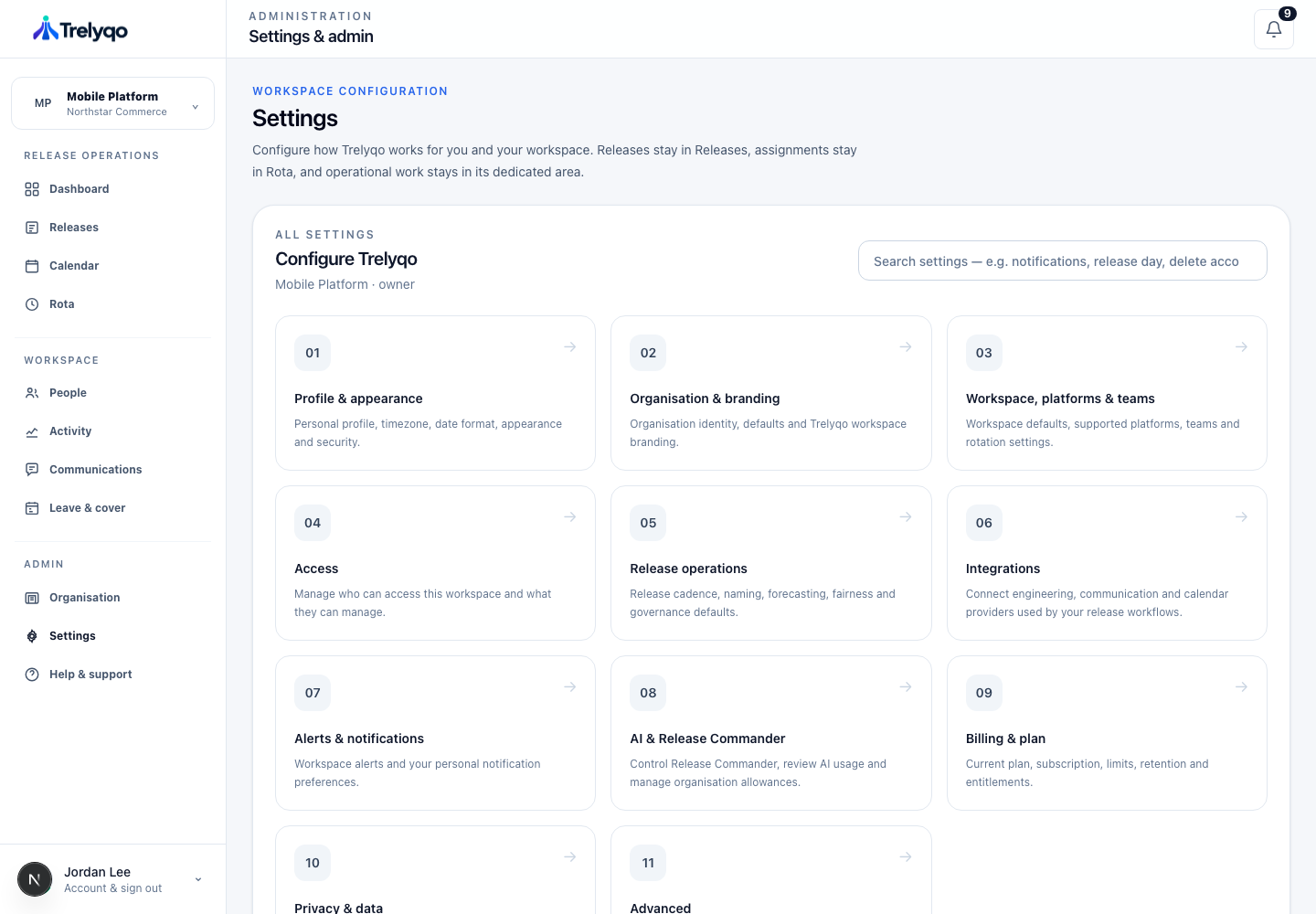
Create an organisation, set up a workspace and add your first release.
Understand release state, dates, change-control context and planning.
Set ownership, manage availability and arrange temporary cover.
Manage members, teams and the Owner, Admin and Engineer role model.
Connect supported services and manage integration settings.
Understand Release Commander, organisation AI controls and usage.
Contact Trelyqo support for help with an existing account or workspace.
Email support →